
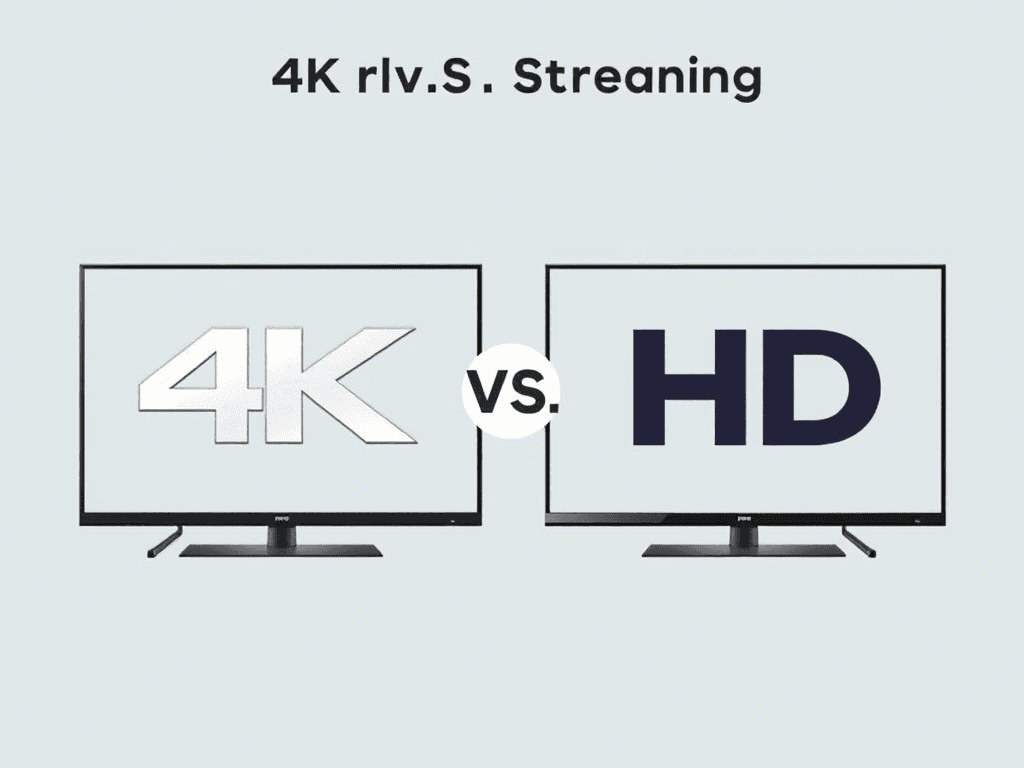
4K vs. HD Streaming : Which One Should You Choose in 2024 ?
As streaming services continue to evolve, viewers face an important choice: Should you watch in 4K Ultra HD or stick with standard HD? This comprehensive guide compares picture quality, bandwidth requirements, and real-world performance to help you make the best decision for your setup.
Resolution Showdown: 4K vs HD – What’s the Difference ?
1. HD (High Definition)
2. 4K Ultra HD
Visual Difference: On a 65″ TV, 4K provides noticeably sharper images with finer details in hair, textures, and distant objects.
Internet Speed Requirements: Can Your Connection Handle It?
Resolution | Minimum Speed | Recommended Speed | Data Usage/Hour |
HD (1080p) | 5 Mbps | 10 Mbps | 3-5 GB |
4K UHD | 25 Mbps | 50 Mbps | 7-15 GB |
4K HDR/Dolby Vision | 30 Mbps | 75 Mbps | 15-20 GB |
Critical Note: These are per-stream requirements. Add 50% more bandwidth if others are using your network.
When Does 4K Actually Matter? (Real-World Scenarios)
Choose 4K If:
✅ You own a large, high-end TV (OLED/QLED)
✅ Watch nature docs, blockbuster movies, or next-gen gaming
✅ Have fiber optic or cable internet (100+ Mbps)
✅ Use premium streaming services (Netflix Premium, Apple TV+)
Stick With HD If:
✅ Your screen is under 50 inches
✅ You have DSL or limited bandwidth
✅ Mostly watch news, sitcoms, or older content
✅ Want to save data (important for mobile users)
The HDR Factor: Why It Matters More Than Resolution
Many 4K streams include HDR (High Dynamic Range), which improves:
Pro Tip: A good HDR HD stream often looks better than a non-HDR 4K stream.
Streaming Service Comparison: Who Offers What?
Service | HD Quality | 4K Availability | HDR Formats | Extra Cost |
Netflix | Yes | Select titles | Dolby Vision, HDR10 | Premium Plan ($22.99) |
Amazon Prime | Yes | 4K library | HDR10+, Dolby Vision | Included |
Disney+ | Yes | Nearly all new content | Dolby Vision, IMAX Enhanced | Included |
YouTube | Yes | User-uploaded | HDR10 | Free (bandwidth limits apply) |
Apple TV+ | Yes | All originals | Dolby Vision | Included |
Expert Recommendations Based on Your Needs
How to Optimize Your Streaming Quality
The Future: Is 8K Worth Considering?
While 8K TVs exist:
Stick with 4K as the current sweet spot.
Final Verdict: Should You Upgrade to 4K?
Best Balanced Choice: Subscribe to one premium 4K service (like Apple TV+) and use HD for everything else.